
Add it yourself
Search for a country, region, city or airport. Add dates and notes when you have them, or draw an area on the map.
Explore the featuresA personal travel map for Apple devices
Keep a map of where you've been, where you've lived, and where you'd like to go. Add places yourself, use your photo library, or bring over an existing travel history.
Free. No ads, subscription, or required account.
2,000+ unique users
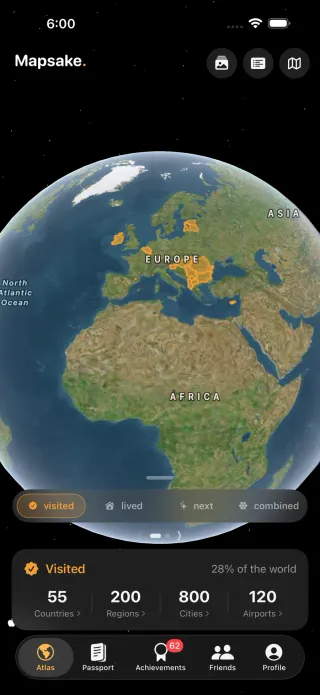
No photos required. A hometown, an old trip, or somewhere you want to visit is enough.
Search for a country, region, city or airport. Add dates and notes when you have them, or draw an area on the map.
Explore the featuresMapsake matches photo locations to places on your device. Review the results and decide what belongs on your map.
Try the free photo map makerImport from Been, Flighty, Tripsy, Polarsteps and other supported apps. Keep building on the history you've already recorded.
Browse the supported import guides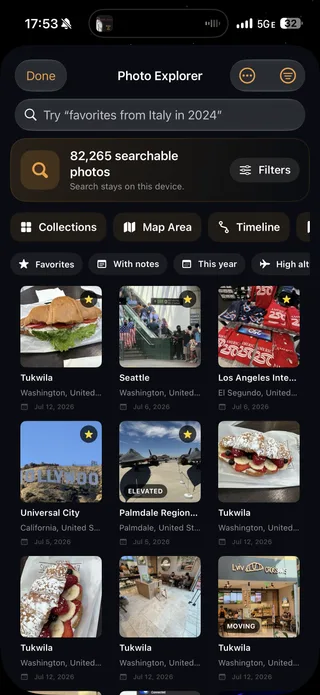
Photos and memories
Browse photos by place, date or camera. Return to past trips with On This Day, your travel calendar and Constellations, or try a travel game built around your own journeys.
Keep track of regions, cities, airports, national parks and heritage sites. Open a place to explore your visits and its travel information.
Passport and friends
Collect passport stamps, look back at your travel stats, and share a card or globe video. Invite friends to compare maps, or create a read-only web map with the details you choose.
Explore Passport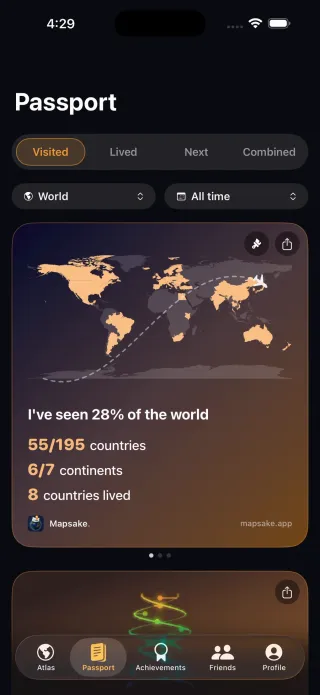
Use iCloud to keep your travel record in sync. Explore on iPhone, iPad or Mac, check your Watch, or put the globe on Apple TV.
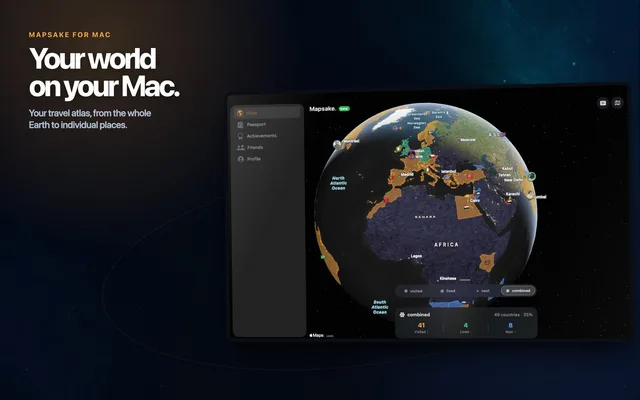
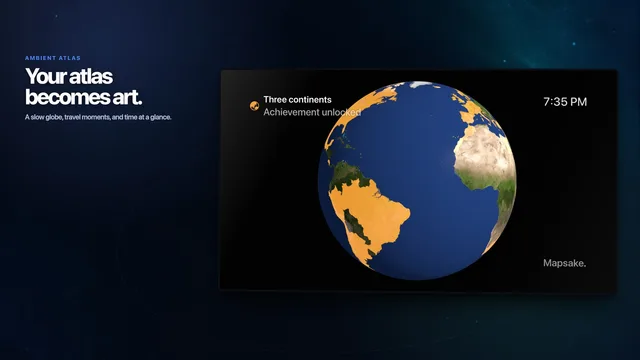
Available in 11 languages, with adjustable map colors, labels and widgets.
Photo matching happens on your device. iCloud sync, sharing, online place information and AI access are optional. Export your travel data or keep it to yourself.
Read the privacy policyFrom the Journal
Check the location data, build a reviewable first map, clean up misleading points, and turn the result into something worth revisiting.
Read the guide